Anti-Theft Alarm for Your MacBook
Sounds a loud alarm when someone unplugs your charger or closes your lid.
Free & Open Source
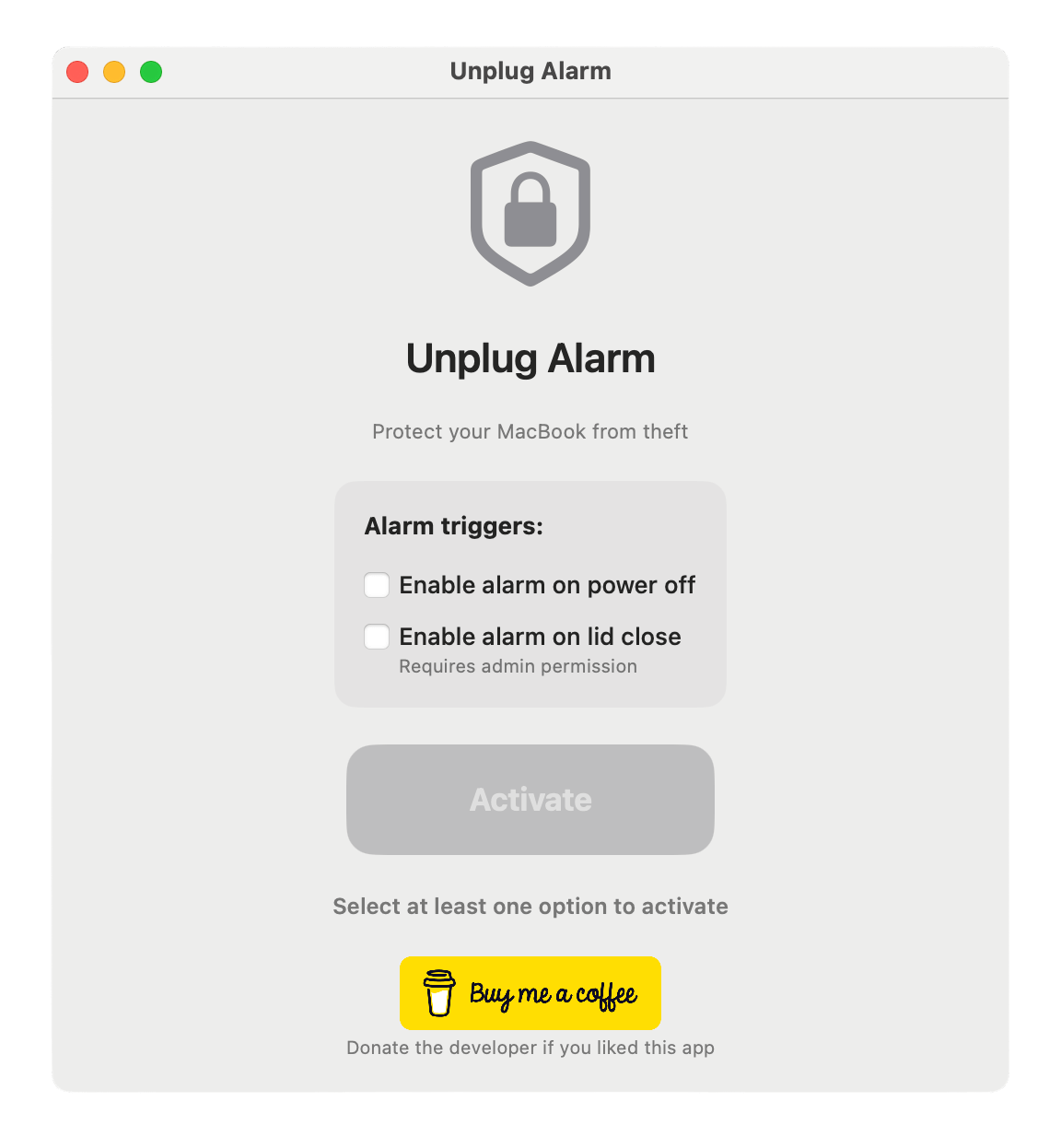
Smart Triggers
Alarm on power disconnect and/or lid close. Choose your triggers with one click and customize your protection instantly.
✓ FREE
Maximum Volume Alarm
Forces system volume to maximum and keeps the alarm sounding until you unlock your Mac. Loud and persistent protection.
✓ FREE
Designed for Real Life
Perfect for cafes, libraries, co-working spaces, airports, and anywhere you can't keep eyes on your MacBook 100% of the time.
✓ FREE
Simple, Powerful & FREE
Choose Your Triggers
Select whether you want the alarm to trigger on power disconnect, lid close, or both.
Hit Activate
Turn on protection with a single click. Your MacBook is now under watchful protection.
Lock & Leave
Lock your screen and step away with confidence. Unplug Alarm has your back — completely free, forever.
100% Transparent & Secure
Unplug Alarm is completely open source. Review every line of code, verify our security practices, and trust that your MacBook is protected by transparent, auditable software.
Open Source = Maximum Security
Because Unplug Alarm is open source, anyone can inspect the code, verify there are no backdoors, and ensure your privacy is protected. This transparency is your guarantee of security.
- ✓Full source code available on GitHub
- ✓No hidden code, no tracking, no data collection
- ✓Community-reviewed and auditable
- ✓Your privacy is our priority
Never Worry About Your Mac Again
Get peace of mind knowing your MacBook is protected. Download Unplug Alarm today.
No hidden costs. No ads. Completely FREE forever.